
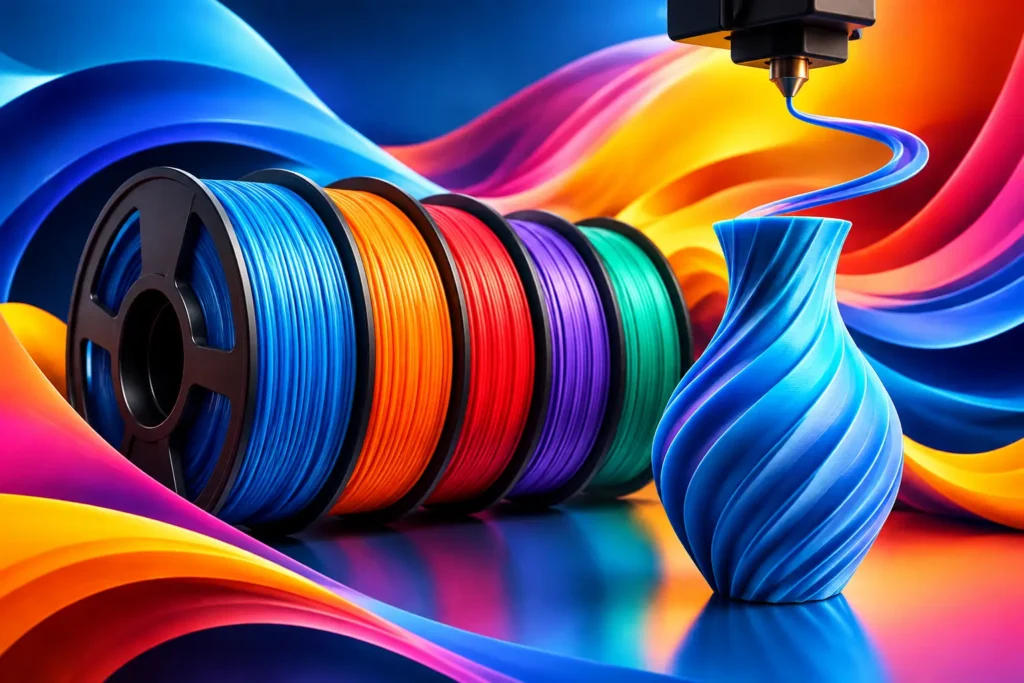
A smooth surface starts before your printer heats up. Choosing the right filament for smooth prints can reduce visible layer lines, prevent rough patches, and give your models the clean finish that makes people ask, “You printed that?” Material matters, but so do moisture control, nozzle condition, and a few settings that let that material perform.
For makers who are tired of sanding every project into submission, the goal is not perfection at any cost. It is a dependable filament and a repeatable process that produce clean parts straight off the build plate.
What Actually Makes a Print Look Smooth?
FDM printing builds a model one layer at a time, so some layer texture is normal. Smooth prints come from minimizing the visual gap between those layers while keeping extrusion consistent. When the material flows evenly, adheres well to the previous layer, and cools at the right pace, curves look cleaner, walls look more uniform, and fine details hold their shape.
Filament quality has a direct role here. Inconsistent diameter, poorly blended colorant, contamination, or absorbed moisture can cause uneven extrusion. That turns a carefully tuned profile into a print with zits, gaps, stringing, or a gritty-looking exterior. A quality spool gives you a stable foundation. Your printer settings do the rest.
The “smoothest” choice also depends on what you are making. A display figure needs a different balance of detail, strength, and finish than a tool bracket, flexible bumper, or heat-resistant enclosure.
The Best Filament for Smooth Prints by Project Type
PLA Pro for crisp detail and easy finishing
PLA Pro is often the first choice when appearance leads the project. It prints at approachable temperatures, has low warping, and typically delivers sharp edges and clean surfaces on consumer printers. It is a strong fit for display models, organizers, prototypes, cosplay details, and custom gifts.
Compared with basic PLA, PLA Pro is designed to bring more toughness to the table while preserving the easy-printing behavior makers expect. That means you can create parts that look refined without treating every print like a fragile showpiece. White, Black, Ash Grey, Red, and Sky Blue are all practical choices, but darker matte-looking colors often make layer lines less obvious than glossy or highly reflective finishes.
For a smooth PLA Pro finish, start with a 0.16 mm to 0.20 mm layer height using a 0.4 mm nozzle. Slow the outer wall enough for the printer to lay down consistent lines, usually around 25 to 40 mm/s depending on your machine. Good part cooling helps preserve detail, especially on overhangs and small features.
PETG for durable parts with a polished look
PETG earns its place when you need more impact resistance and durability than PLA-based materials usually provide. It is excellent for functional prints, workshop fixtures, containers, brackets, and parts that may encounter moisture. A well-tuned PETG print can look impressively smooth, with a naturally glossy finish that gives functional parts a professional appearance.
That gloss comes with a trade-off. PETG is more prone to stringing and can leave small blobs if nozzle temperature, retraction, or travel settings are off. It also holds moisture more readily than PLA. If a spool starts popping or produces wispy strings that seem impossible to tune away, dry it before rewriting your entire print profile.
Use moderate cooling rather than blasting the part with full fan speed. PETG needs enough heat to bond layers, but too much heat can soften bridges and make fine detail look rounded. Start with the manufacturer’s recommended temperature range, then adjust in small increments. One clean temperature tower is more useful than guessing through a long print.
ABS for clean, heat-ready parts – if your setup is ready
ABS can produce smooth, durable surfaces with good heat resistance, making it useful for automotive-adjacent parts, enclosures, jigs, and functional prototypes. It also responds well to post-processing, including vapor smoothing when performed with the proper equipment and safety knowledge.
The catch is warping. ABS wants a stable, warm environment. Without an enclosure and reliable bed adhesion, the corners can lift, walls can split, and the surface quality you wanted can disappear fast. It also requires ventilation appropriate for its fumes.
If your printer is enclosed and tuned for ABS, keep cooling low, avoid drafts, and use a consistent chamber environment. ABS is not the easiest route to a smooth print, but it can be the right route when the finished part needs to handle heat and real-world use.
TPU for smooth flexible parts
TPU is the choice for grips, feet, protective cases, gaskets, flexible mounts, and parts that need to bend instead of crack. Smooth TPU is possible, but it requires patience. Because the material flexes as it feeds, aggressive speeds and retraction can create inconsistent extrusion.
Print TPU slowly, especially with a Bowden setup. Keep retraction conservative, reduce unnecessary travel moves, and make sure the filament path is constrained from spool to extruder. A direct-drive printer usually makes TPU easier, but careful tuning can still produce clean, even surfaces on many standard machines.
Match Your Surface Goal to the Right Finish
Color and finish can change how smooth a print appears, even when the settings are identical. Glossy materials reflect light across every layer line. That can look premium on a well-tuned print, but it also exposes small flaws. Matte or satin-style finishes scatter light and are more forgiving, making them a smart option for larger models or parts with broad curved faces.
Transparent filament brings another challenge. Transparent PETG can create striking prints, but visible internal paths, seams, and infill patterns become part of the look. For the clearest appearance, use more walls, align seams thoughtfully, and avoid rushing the outer layers. “Transparent” does not automatically mean optically clear, but controlled extrusion and a consistent wall path get you closer.
When surface quality matters most, choose a color that supports the design rather than fighting it. Ash Grey can make sculpted details readable. Black can hide minor texture on practical components. White shows detail beautifully but can reveal dirt, uneven flow, and seam placement.
Settings That Make Good Filament Look Great
Even premium material cannot compensate for a dirty nozzle or an unstable first layer. Before chasing advanced slicer settings, check the basics. Clean the build surface, inspect the nozzle for buildup, confirm belt tension, and calibrate extrusion. A printer that is mechanically inconsistent will repeat its errors with every spool.
For most projects, reduce layer height before dramatically slowing the entire print. A 0.12 mm to 0.16 mm layer height makes a meaningful difference on miniatures, curved shells, and visual prototypes. For large functional pieces, 0.20 mm can still look excellent while saving significant print time.
Outer-wall speed matters more than infill speed for surface finish. Keep outer walls controlled, then let infill move faster if your printer can handle it. Position the seam on a hidden edge, inside corner, or rear-facing surface whenever possible. A perfectly smooth wall can still look unfinished if a vertical seam runs across its most visible face.
Temperature deserves focused testing. Too cool, and layers may not bond fully or may look rough. Too hot, and details soften, strings increase, and corners can bulge. Print a small calibration model when switching material types, colors, or brands. Small adjustments made early protect long prints later.
Dry Filament Is Smoother Filament
Moisture is one of the most common reasons a familiar filament suddenly prints badly. Water absorbed from the air turns to steam in the hot end, disrupting extrusion and leaving pitted surfaces, strings, bubbles, or inconsistent lines. PETG, TPU, and ABS are especially worth watching, though PLA can absorb enough moisture to affect results too.
Store open spools in sealed bags or containers with fresh desiccant. If a spool has been sitting out for weeks, or if its surface quality changes without an obvious printer issue, dry it according to the material’s recommended process. This is one of the lowest-effort upgrades a maker can make to print consistency.
When Post-Processing Is Worth It
A better print reduces finishing work, but some designs deserve a final pass. PLA Pro sands well when you start gently and move through finer grits. Filler primer can help on large props and cosmetic shells, while paint can unify the surface after sanding. PETG is more difficult to sand cleanly because it can gum up under heat, so dialing in the print is usually the better strategy.
Do not use post-processing to excuse avoidable tuning problems. If every part needs heavy sanding to look acceptable, revisit your layer height, extrusion, filament dryness, and wall speed first. The best workflow is the one that delivers a strong, clean print before finishing becomes necessary.
Ddub Tech materials are built for makers who want that kind of repeatability: strong parts, smoother surfaces, and fewer surprises between the first layer and the final reveal. Pick the material that fits the job, tune it with intention, and let your next print prove what your machine can really do.